From design to a list you can order and a calendar you can plant by
The plan is only useful if it turns into an order and a work calendar. OpenLandscape3D counts every plant by species and install size, and turns climate-anchored task rules into dated windows for your site.
Plant schedule
One row per plant and install size, sorted trees first, with a short code for plan labels (first two letters of genus and species), quantity, spacing, mature size and whether the plant is native to the site’s region. CSV columns:
code, scientific_name, common_name, quantity, install_size, spacing_m, mature_height_m, mature_spread_m, native, notes
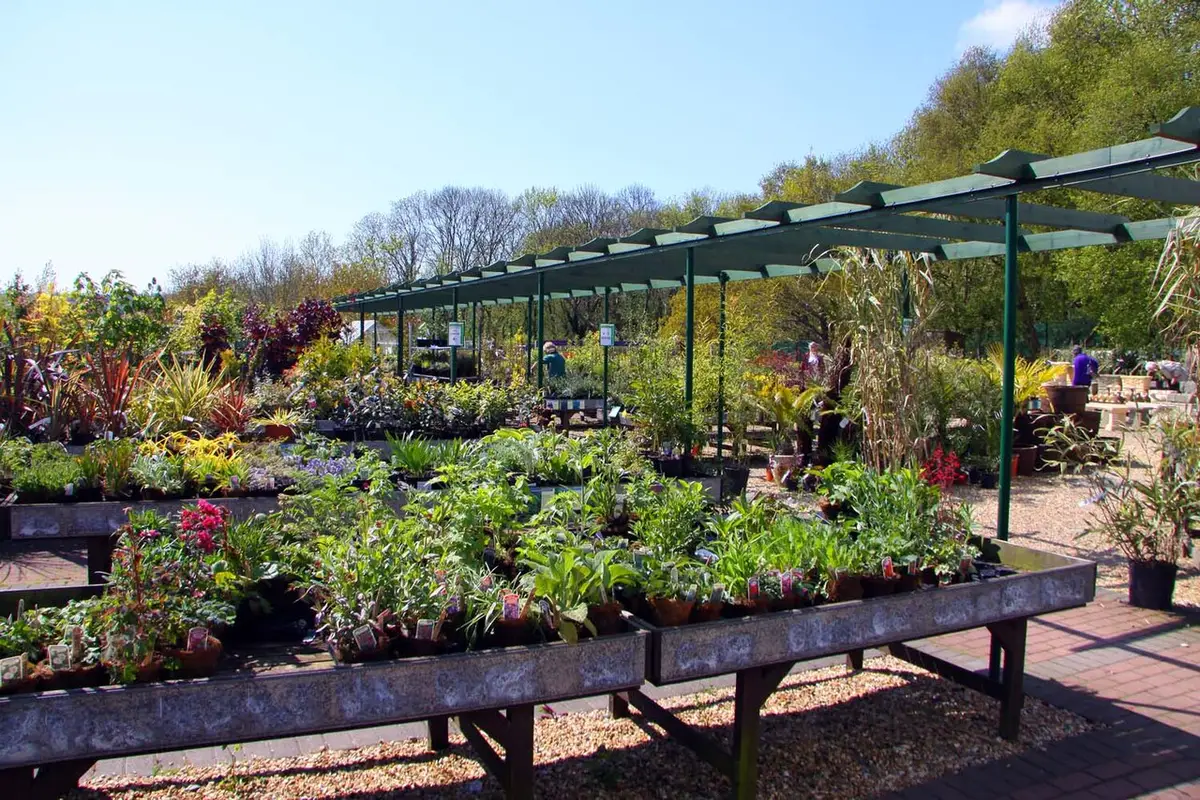 Container plants at a garden centre. The schedule lists each plant by install size, so it doubles as an order list. Photo: Steve Daniels, CC BY-SA 2.0, via Wikimedia Commons.

Task calendar from frost dates
Task rules are anchored to climate events rather than fixed dates — “plant container shrubs from the last spring frost to 45 days after, or 45 to 14 days before the first fall frost”. The planner turns each rule into dates using the site’s frost dates, for each plant it applies to.
CSV columns: task, plant, scientific_name, quantity, start, end, recurrence, source, confidence. Each rule cites a source and a confidence level.
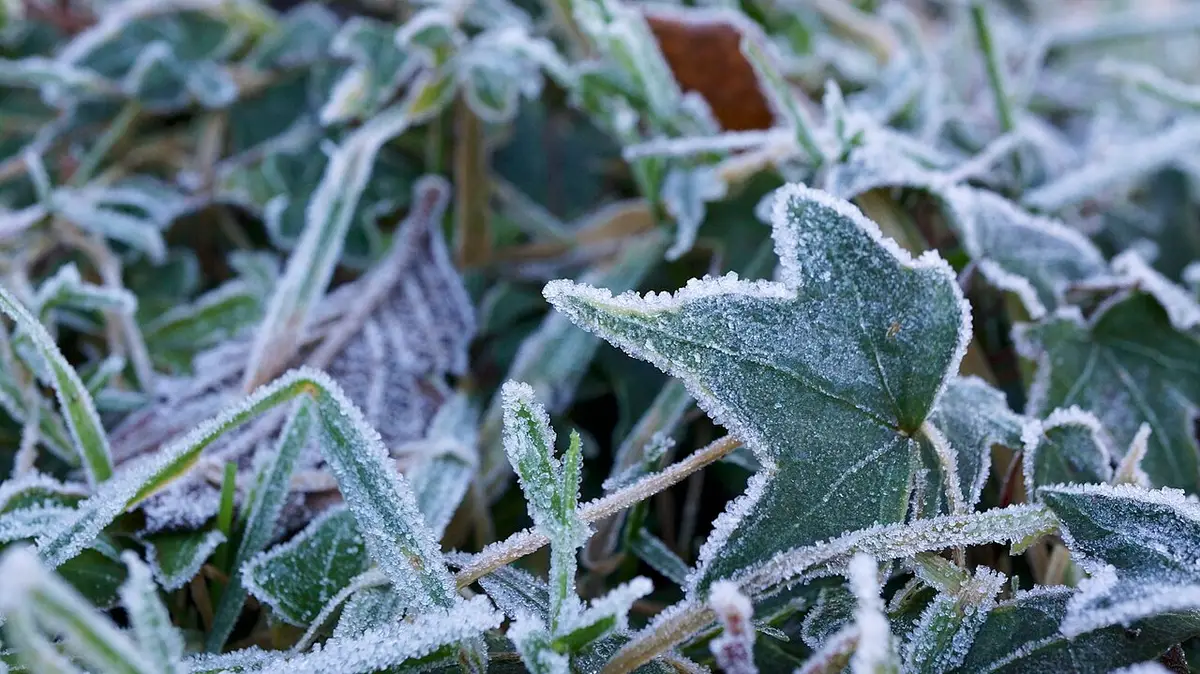 Frost on garden leaves. Planting and care windows are set from your first and last frost dates. Photo: Ian Kirk, CC BY 2.0, via Wikimedia Commons.

Material ranges
Select any area to see a planning price range for its material (area × low–high per square metre). Fence and edging materials carry per-metre ranges and wall materials per-square-metre ranges in the catalog; a materials summary with totals and a CSV is planned.
Sample plant schedule
| Code | Plant | Qty | Install size | Mature H × W | Native |
|---|---|---|---|---|---|
| AMAR | Amelanchier arborea · Downy serviceberry | 1 | #15 | 6.5 × 5.5 m | Yes |
| CECA | Cercis canadensis · Eastern redbud | 1 | #15 | 7.5 × 8.5 m | Yes |
| THOC | Thuja occidentalis · Emerald Green arborvitae | 3 | #7 | 4 × 1.3 m | Yes |
| CLAL | Clethra alnifolia · Summersweet | 2 | #3 | 1.7 × 1.4 m | Yes |
| ILVE | Ilex verticillata · Winterberry | 2 | #3 | 2.4 × 2.4 m | Yes |
| SCSC | Schizachyrium scoparium · Little bluestem | 4 | #1 | 0.9 × 0.5 m | Yes |
| ASTU | Asclepias tuberosa · Butterfly weed | 2 | #1 | 0.6 × 0.5 m | Yes |
| ECPU | Echinacea purpurea · Purple coneflower | 4 | #1 | 0.9 × 0.5 m | No |
| RUFU | Rudbeckia fulgida var. sullivantii · Goldsturm black-eyed Susan | 3 | #1 | 0.7 × 0.5 m | Yes |
| SYNO | Symphyotrichum novae-angliae · New England aster | 2 | #1 | 1.2 × 0.8 m | Yes |
| CAPE | Carex pensylvanica · Pennsylvania sedge | 3 | plug | 0.2 × 0.3 m | Yes |
| TICO | Tiarella cordifolia · Foamflower | 4 | plug | 0.2 × 0.5 m | Yes |
Available now
- Plant schedule CSV
- Seasonal task schedule CSV from frost dates
- Print / PDF sheet with schedules, calendars and checks
- Per-area material planning range in the inspector
- Open project file for OpenPlan3D
Planned
- Materials summary and CSV with totals
- Proposal documents with pricing
- Nursery availability and quote requests
- Phased install plans
Questions
Can I send the plant list to a nursery?
Yes — the plant schedule is a plain CSV any spreadsheet opens. Direct nursery quote requests are planned for a later release.
Where do task dates come from?
From climate-anchored rules applied to your site’s last spring and first fall frost dates. They are windows, not guarantees; adjust for the actual season.
Related
Start designing in your browser
OpenLandscape3D is free and open source. Draw the site, place regional plants, and scrub through seasons and years before anything goes in the ground.