One model, in plan and in 3D, at any moment in time
A planting plan for the crew and a 3D view for the client should never disagree. OpenLandscape3D draws both from the same data, so moving a shrub moves it everywhere — at the month and year you’re looking at.
Plan view for decisions
The 2D plan shows canopy symbols at their current size with mature spread as a dashed ring, beds and surfaces, north arrow and scale. It is the view for spacing, quantities and checks.
3D view for understanding
The 3D view shows height, layering and how the garden relates to the house. Scrub months to see leaf-off and bloom; scrub years to see screens close and trees fill in.
With the house, in OpenPlan3D
Export the design as an OpenPlan3D file and every plant, fence, patio and site object becomes an OpenPlan3D catalog object sized for the scenario year you chose — so the house and garden can be reviewed together. See Works with OpenPlan3D.
What we don’t promise
These are clear, stylized views for design decisions, not photoreal renderings, and nothing on this site is “AI-generated”. Images on this website are drawn from the same parametric sample garden using the planner’s rules.
The same garden at planting, year 3 and year 10 (July).
Available now
- 2D plan and 3D views from one model
- Month and year scenario
- Mature-spread rings in plan
- OpenPlan3D export sized to the scenario year
Planned
- Presentation sheets with plan, elevation and seasonal panels
- AR walk-through on iPhone and iPad
- High-quality renders in the macOS app
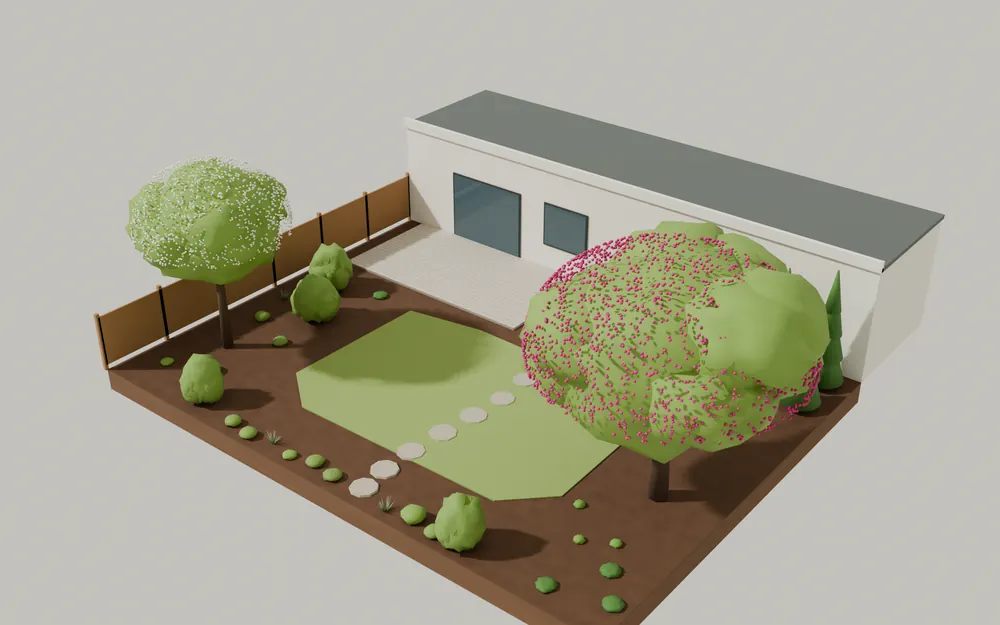
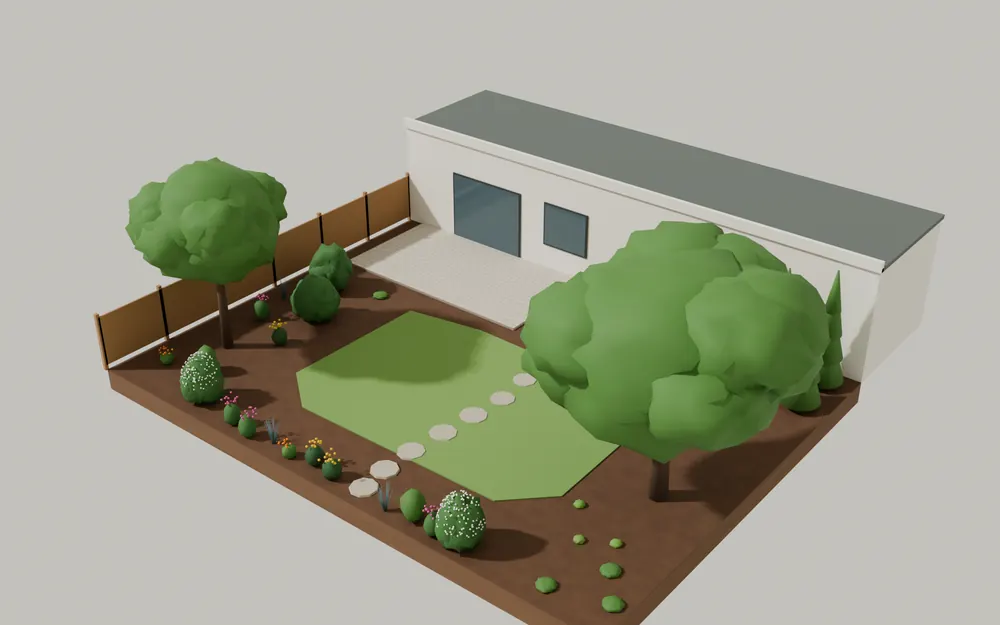
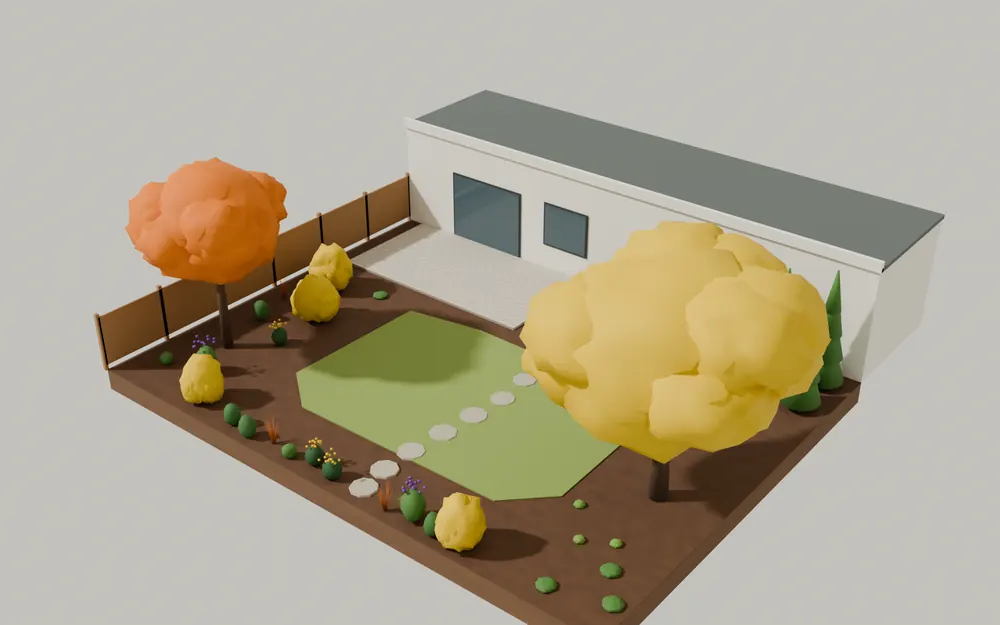
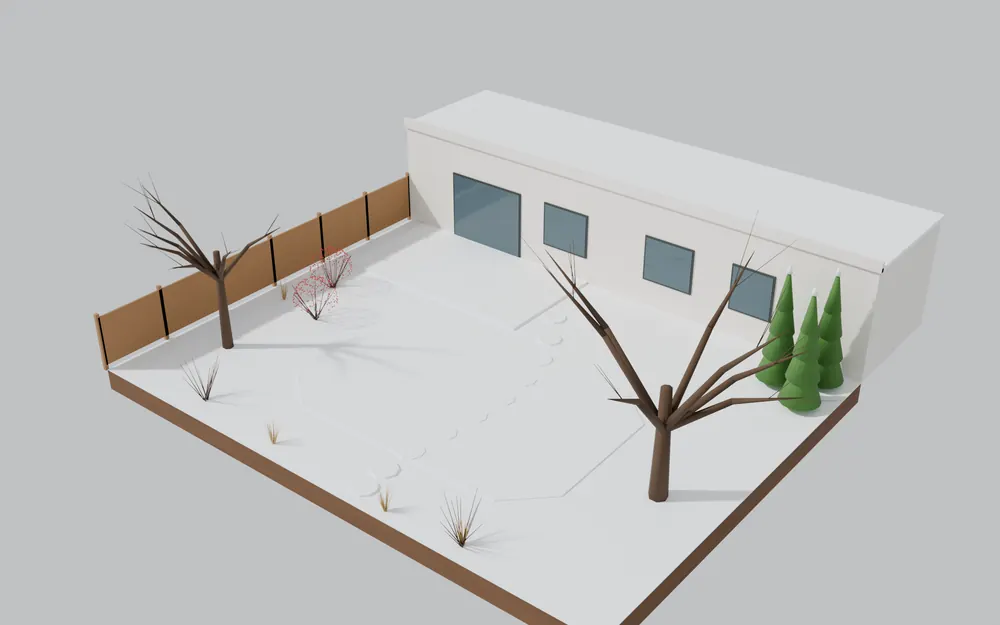
Blender renders of the same sample garden, built from the same plant data and growth rules. Illustrative — the planner’s own views are the plan and 3D shown above.
Questions
Can I show the design in augmented reality?
AR review is part of the iPhone and iPad app plan, which is not yet released.
Can I print the plan?
The planner exports schedules as CSV and the design as an open file. Presentation sheets are planned.
Related
Start designing in your browser
OpenLandscape3D is free and open source. Draw the site, place regional plants, and scrub through seasons and years before anything goes in the ground.